
Custom AI insights
Teach CallVibe what matters in your business
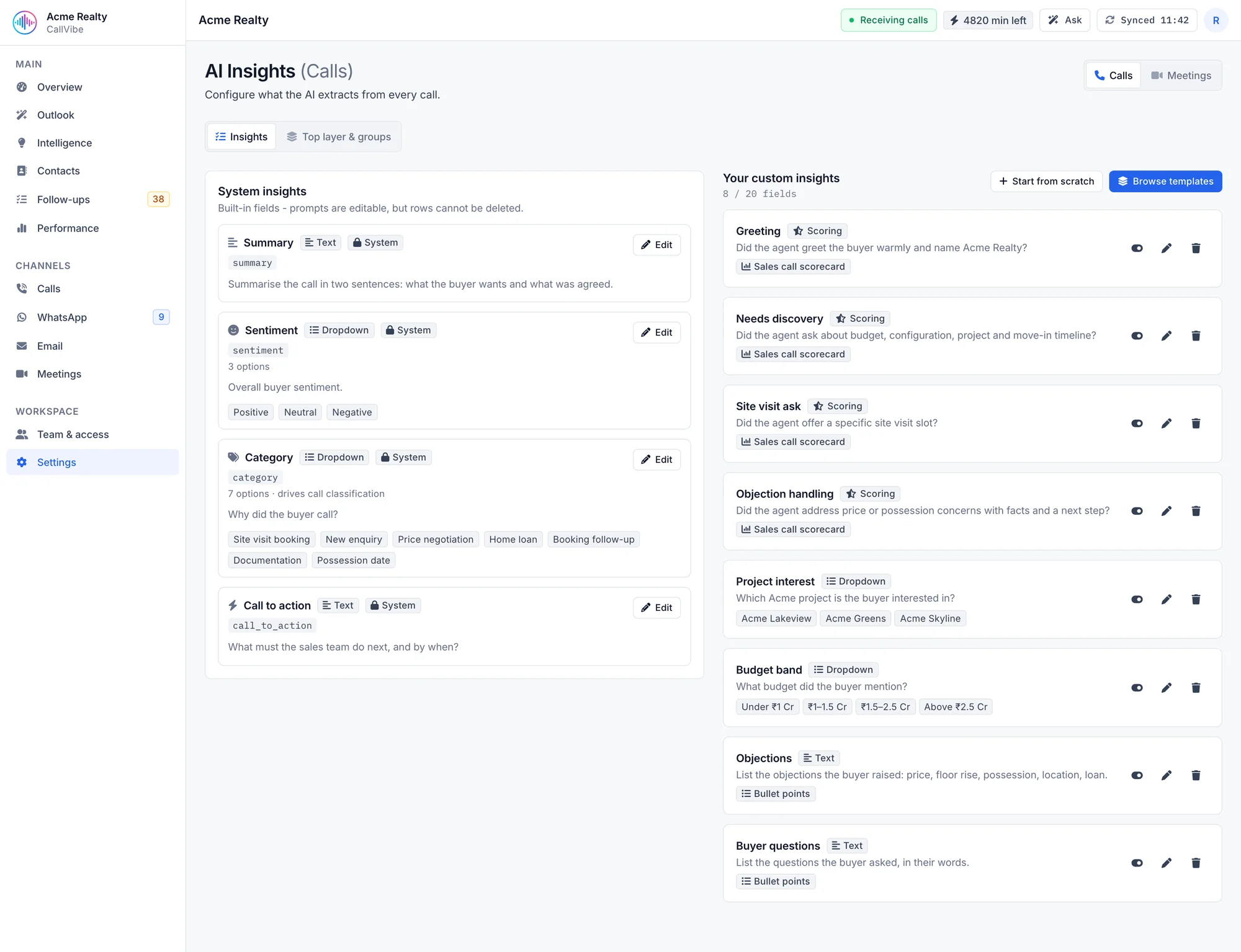
Add your own fields and CallVibe fills them in on every call and meeting: a budget band, whether a site visit was asked for, whether a disclosure was read out. Start from more than 100 industry templates.
Fields
Three kinds of field
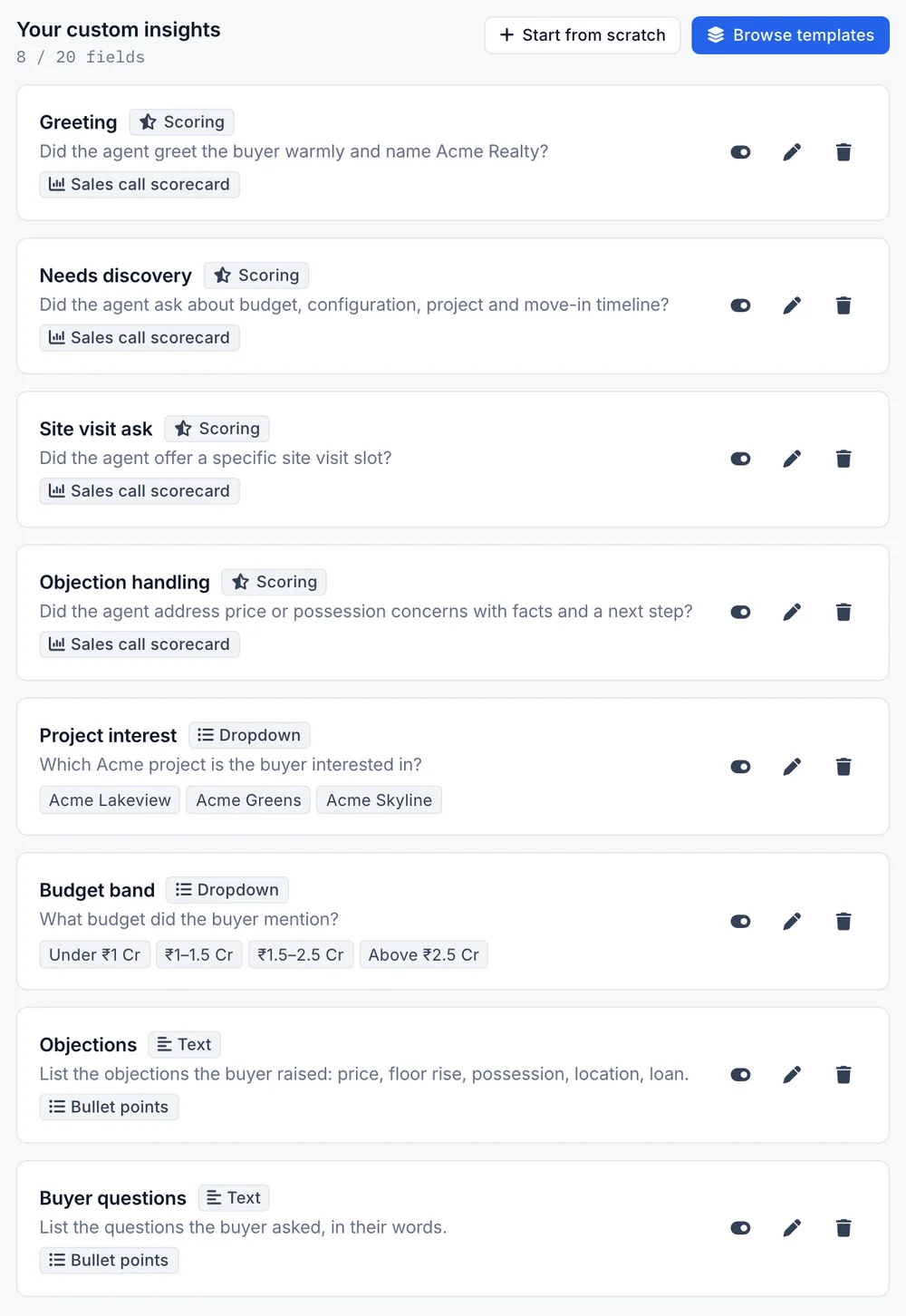
Text for a free-text or bullet answer, Dropdown to pick one value and Scoring from zero to a maximum you choose. Each one has a plain-English instruction you can edit.
- Built in: category, sentiment, summary and next action
- Turn fields on and off without losing them
- Separate fields for calls and for meetings
Scorecards
Only score the calls that matter
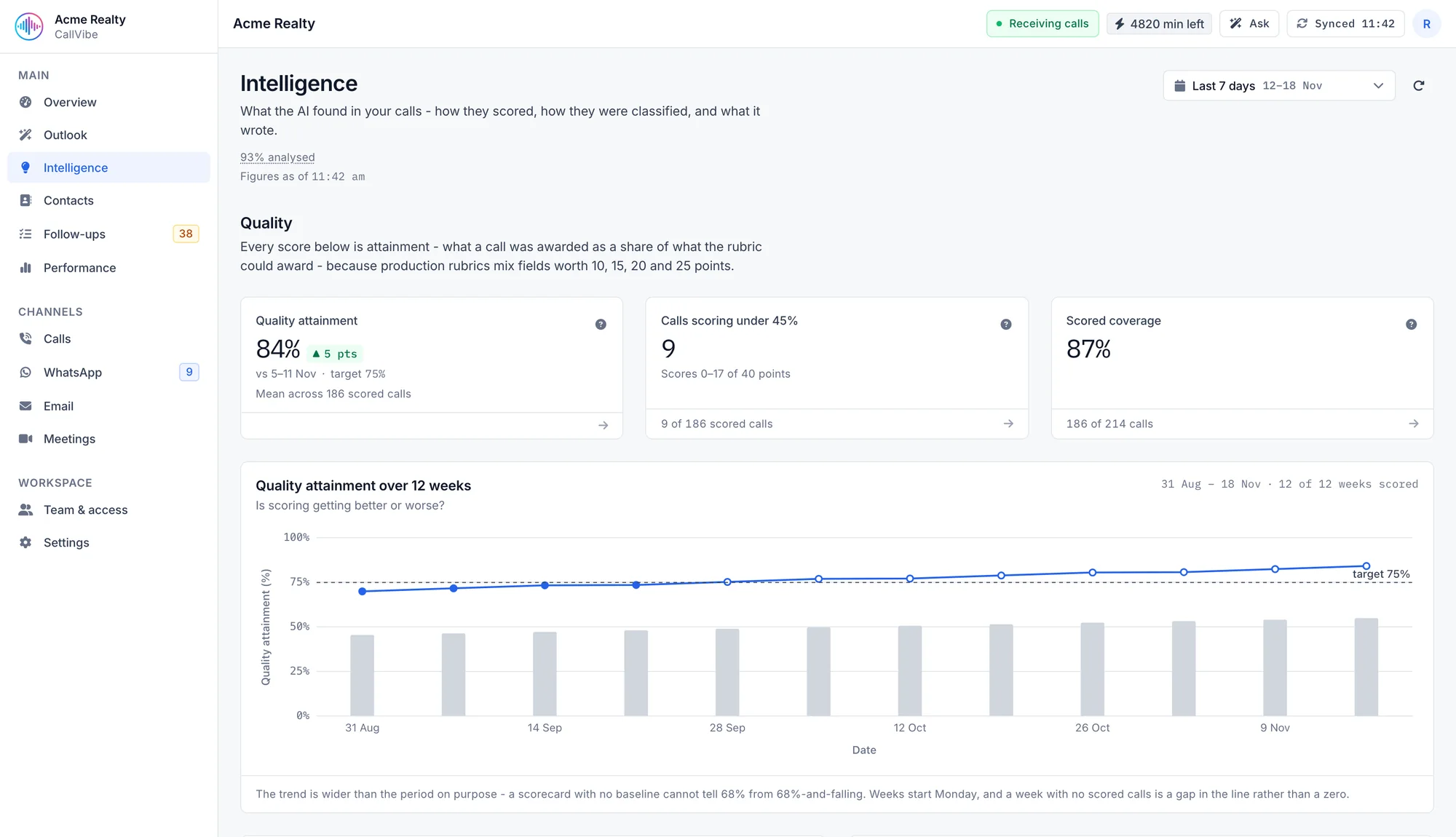
Use a top-level dropdown, such as call type, to decide which insights run on each call. Group scoring fields into scorecards and dropdowns into classifications.
- Results appear on each call, in Intelligence and in Performance
- Filter calls by any insight value
- Changes apply to calls analysed from then on
Template library
Start from your industry
16 industry groups, each with extraction fields and a ready-made scorecard.
| Industry | Example templates |
|---|---|
| Real estate | Lead intent, budget range, purchase timeline, property type, location preference |
| Insurance | Call reason, policy type, quote outcome, disclosure compliance |
| Financial services | Product of interest, objection raised, lead qualification, next action agreed |
| Healthcare | Visit reason, appointment outcome, follow-up urgency, insurance status |
| Education | Inquiry type, enrolment intent, programme interest, admission stage, fee concern |
| Automotive | Vehicle of interest, trade-in mentioned, finance interest, appointment outcome |
| Recruitment | Candidate stage, role details, compensation expectation, availability |
| SaaS & tech sales | Sales stage, pain point, decision-maker role, competitor mentioned |
FAQ
Common questions
Do new fields re-analyse my old calls?
New and edited fields apply to calls analysed after the change.
Can I write my own instructions?
Yes. Every field has an AI instruction and an optional extra instruction, written in plain English.
Keep exploring
See CallVibe on your own conversations
Book a 30-minute walkthrough with our team, or start a 14-day free trial and connect your phone system yourself.