
Skip to content
CallVibe

Integrations

Works with the tools your team already uses

Bring in calls, WhatsApp chats, emails and meetings from the systems you have today, and push outcomes back to your CRM.
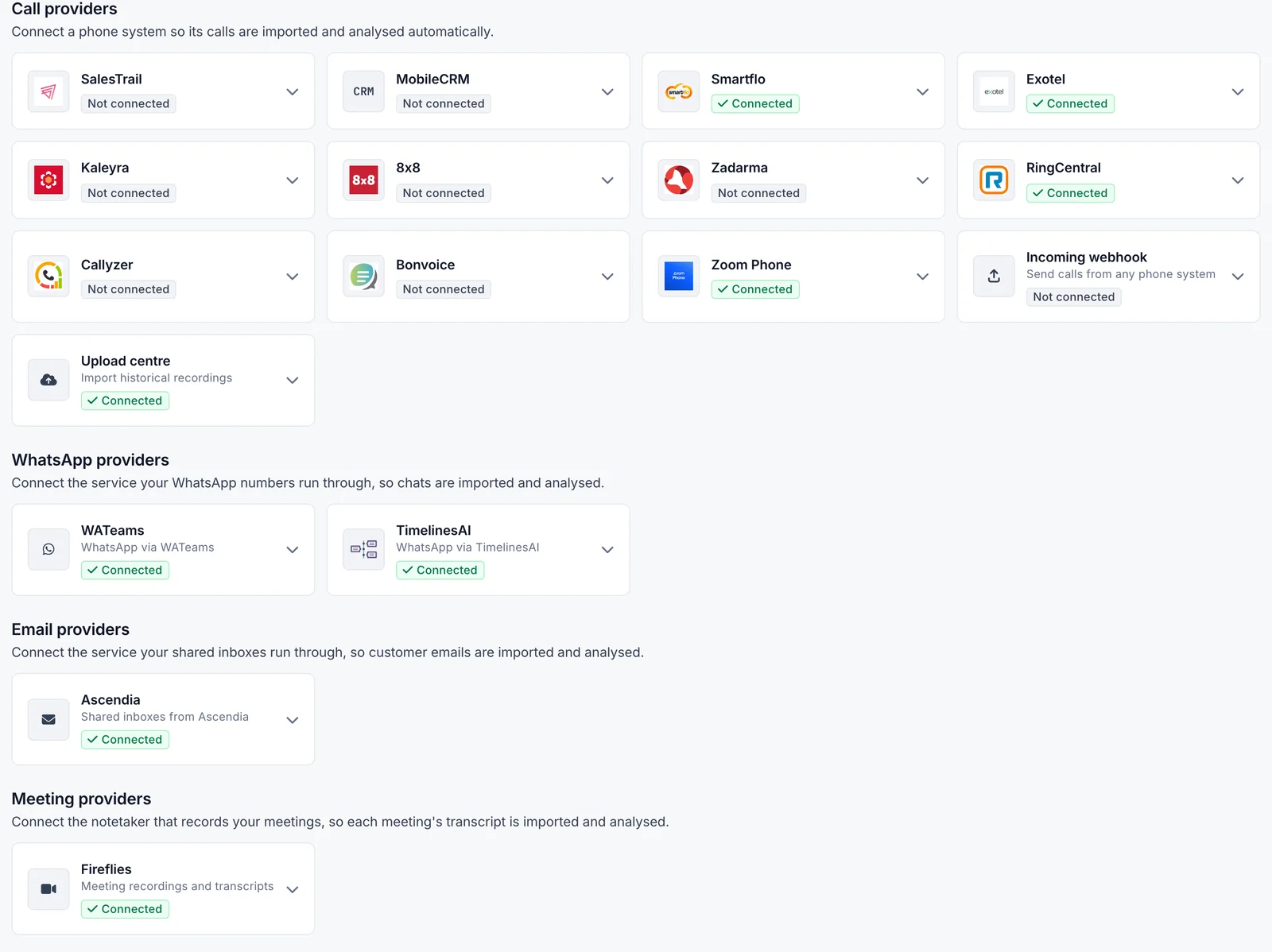
CallVibe integration settings with connected call, WhatsApp, email and meeting providers

Calls

11 phone systems and call trackers, plus a webhook and uploads.

Smartflo (Tata Tele)

Cloud calling. Every call captured and analysed automatically.

Setup guide

Exotel

Cloud telephony recordings, analysed and filed automatically.

Setup guide

Kaleyra

CPaaS voice recordings pulled in for AI analysis and scoring.

Setup guide

8×8

Contact-centre calls brought into CallVibe.

Setup guide

Zadarma

VoIP call recordings, transcribed and summarised.

Setup guide

RingCentral

Cloud phone calls, transcribed and scored.

Setup guide

Zoom Phone

Zoom Phone recordings turned into summaries and next steps.

Setup guide

Bonvoice

Cloud telephony call ingestion.

Setup guide

Callyzer

Field-sales call tracking from mobile phones.

Setup guide

SalesTrail

Mobile call-tracking capture.

Setup guide

MobileCRM

Mobile CRM and phone provider: calls captured for analysis.

Incoming webhook

Send calls from any phone system with an audio file or recording link.

Setup guide

Upload centre

Upload one recording or import many from a CSV. No telephony needed.

Setup guide

WhatsApp

Read-only. Your team keeps replying from WhatsApp.

WATeams

WhatsApp messages flow in by webhook as they arrive.

Setup guide

TimelinesAI

WhatsApp chats connected with a signed webhook.

Setup guide

Email

Shared inboxes, summarised as each email arrives.

Ascendia

Shared inboxes. Emails are analysed as they arrive.

Meetings

Record in the browser or import what you already have.

CallVibe Recorder for Chrome

Google Meet, Zoom (web) and Microsoft Teams (web). Audio only, no bot.

Fireflies

Import your meetings, including the last 30 days.

CRM

Pushes happen automatically after each call, with retries.

GoHighLevel

Call outcomes and follow-ups pushed after every call.

Setup guide

LeadSquared

Call outcomes pushed after every call, across LeadSquared’s regions.

Setup guide

Veloria Grand

Call outcomes pushed after every call.

Alerts and briefs

Get the right news in the place you already look.

Slack

Missed-call alerts, priority call alerts and WhatsApp and email alerts.

Setup guide

Email

Daily, weekly and monthly briefs and digests for each person you choose.

Missing something?

Tell us what you use

We add integrations based on what customers ask for. Let us know your phone system, inbox or CRM.

See CallVibe on your own conversations

Book a 30-minute walkthrough with our team, or start a 14-day free trial and connect your phone system yourself.