
Meetings
Meeting notes without a bot in the room
The CallVibe Recorder for Chrome captures Google Meet, Zoom and Teams meetings in the browser. Nobody new joins the call, only audio is recorded, and the summary, decisions and action items land in CallVibe.
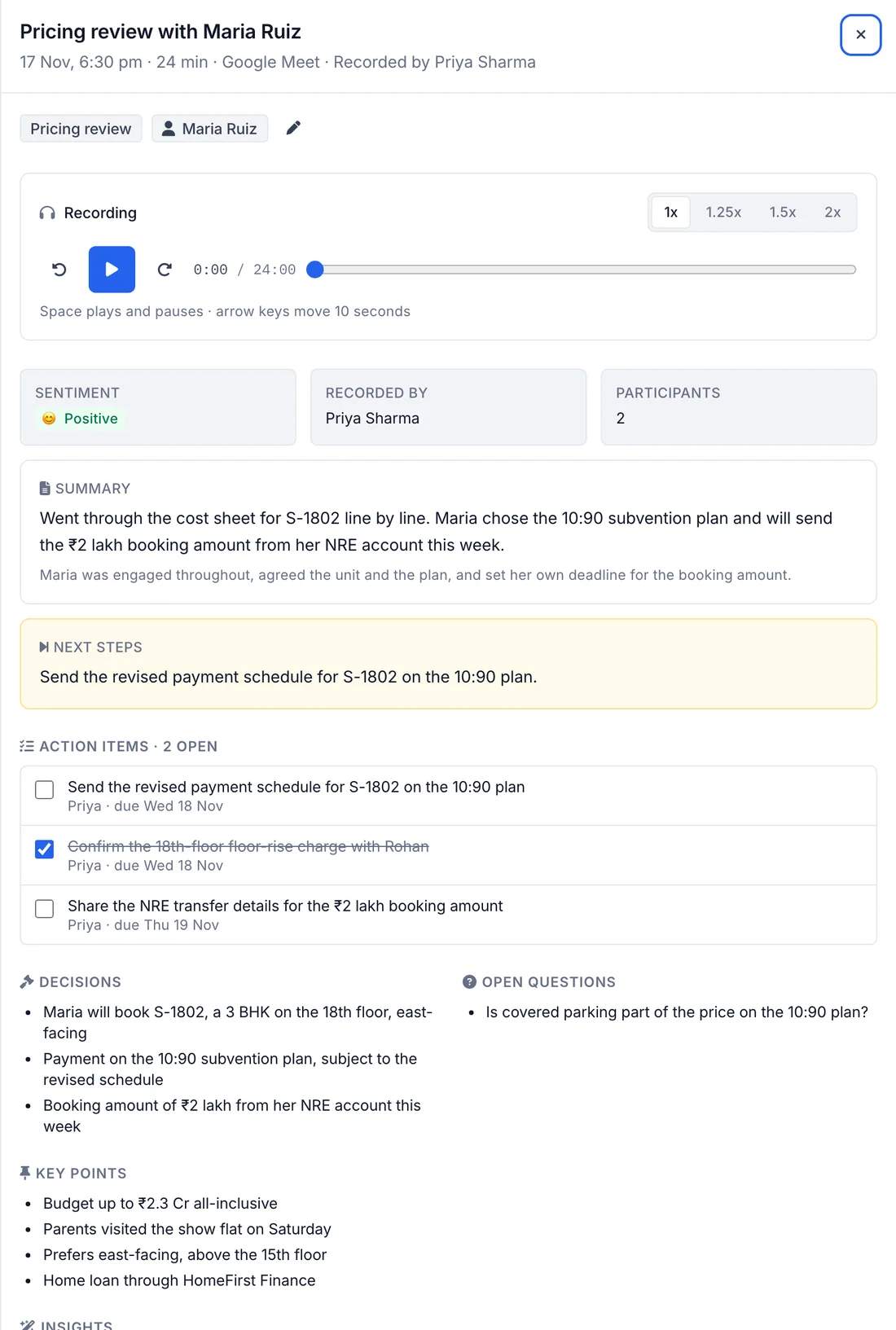
Meeting detail
Everything that was decided
Each meeting gets a summary, the decisions made, action items, key points, the people and their talk time, plus the transcript.
- Action items appear in Follow-ups
- Linked to customers through invitee email addresses
- Meeting insights and scorecards, like calls
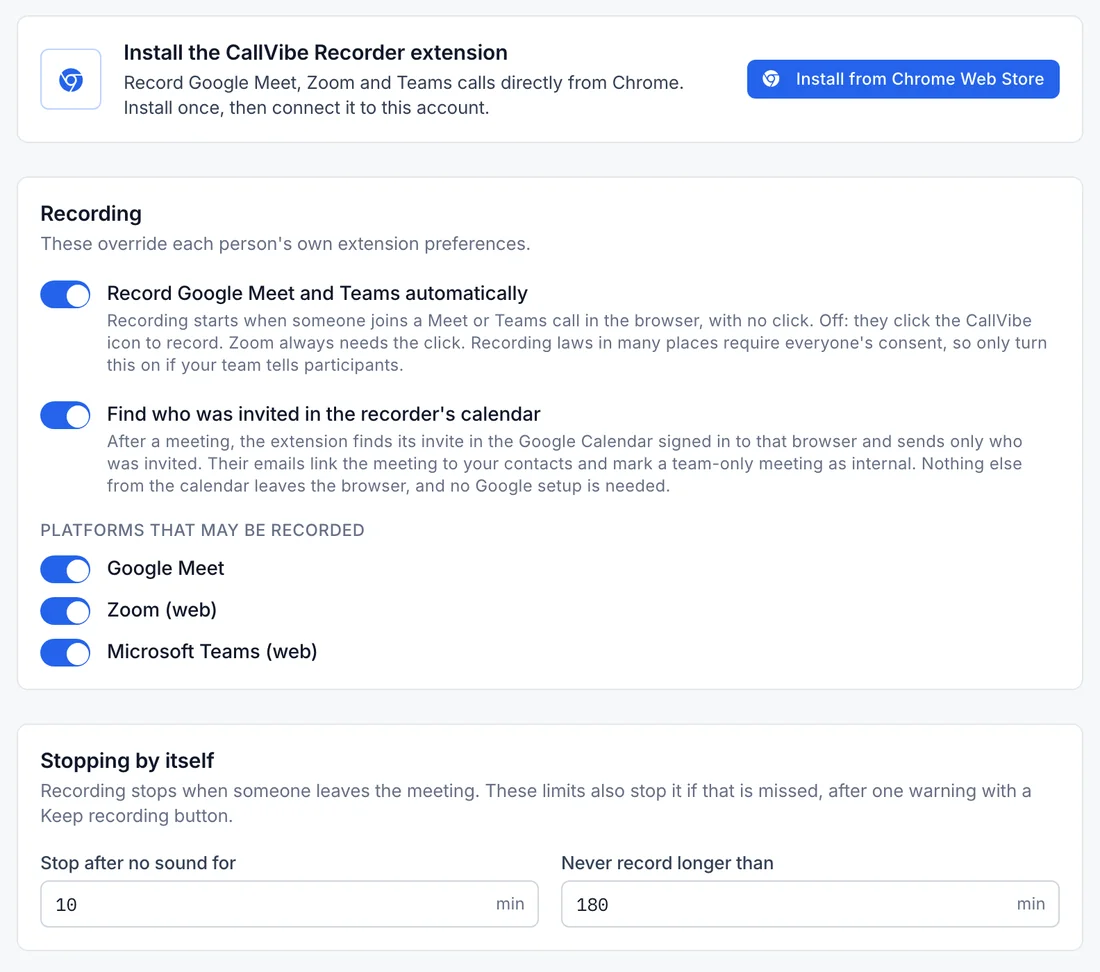
Recorder settings
Recording rules you control
Choose which platforms can be recorded, whether Google Meet and Teams start automatically, and when recording stops by itself.
- Audio only: never your screen or video
- A consent notice, plus an optional note in the Google Meet chat
- Stops after a stretch of silence or a maximum length
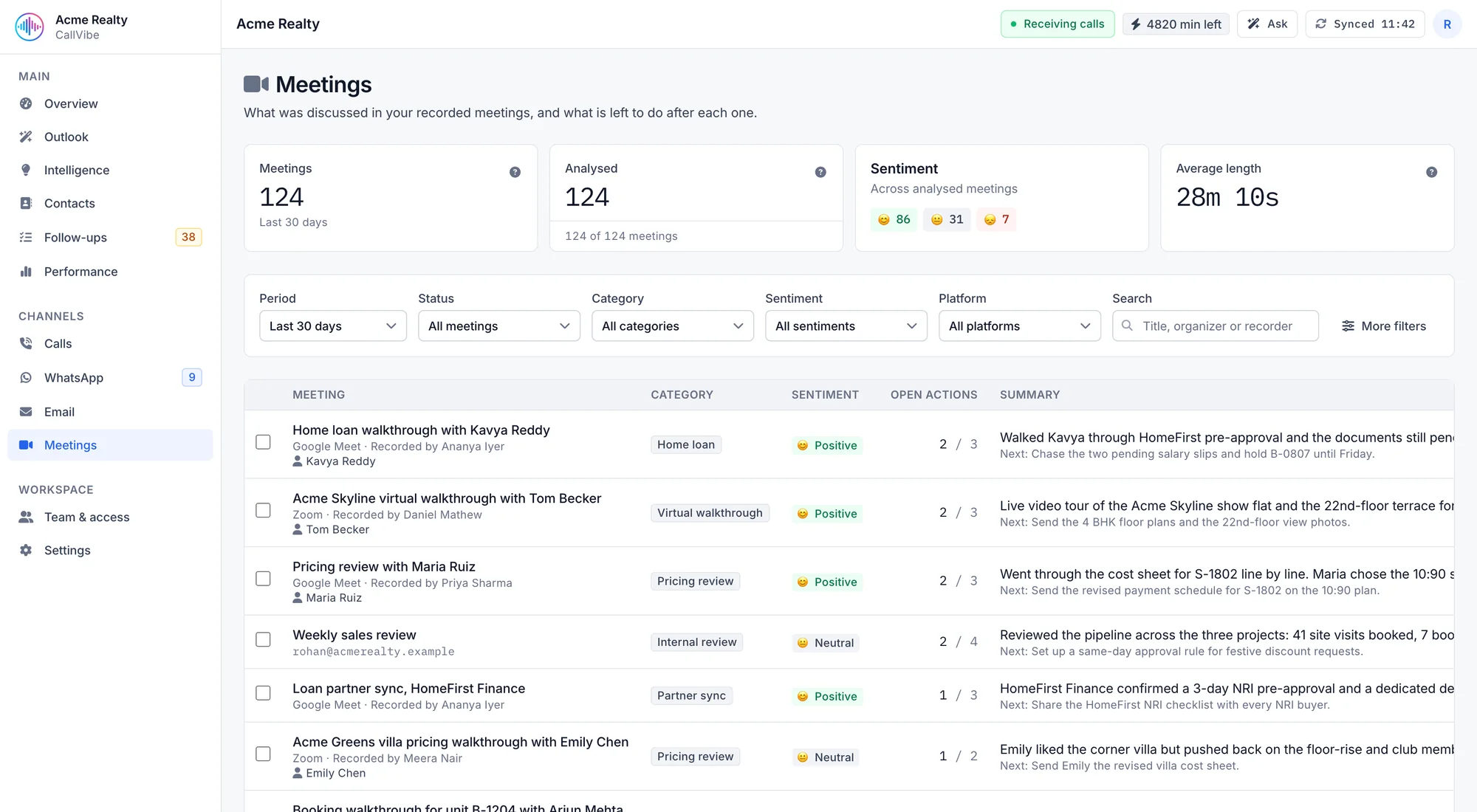
Getting meetings in
Two ways to bring meetings into CallVibe
CallVibe Recorder for Chrome
Install from the Chrome Web Store. Works with Google Meet, Zoom (web) and Microsoft Teams (web).
Fireflies
Already use Fireflies? Connect it and import the last 30 days of meetings.
Calendar aware
The recorder can match a meeting to the invite, so the right people and customers are attached.
FAQ
Common questions
Does a bot join my meetings?
No. The recorder runs in your Chrome browser and captures audio only.
Does it work with the Zoom or Teams desktop apps?
The recorder works with Zoom and Teams in the browser. Desktop apps aren’t recorded.
Do meetings use AI minutes?
Yes. Meetings CallVibe transcribes use their length in minutes; meetings imported from Fireflies use half. See pricing.
Keep exploring
See CallVibe on your own conversations
Book a 30-minute walkthrough with our team, or start a 14-day free trial and connect your phone system yourself.