
Ask anything
Ask a question. Get an answer you can check.
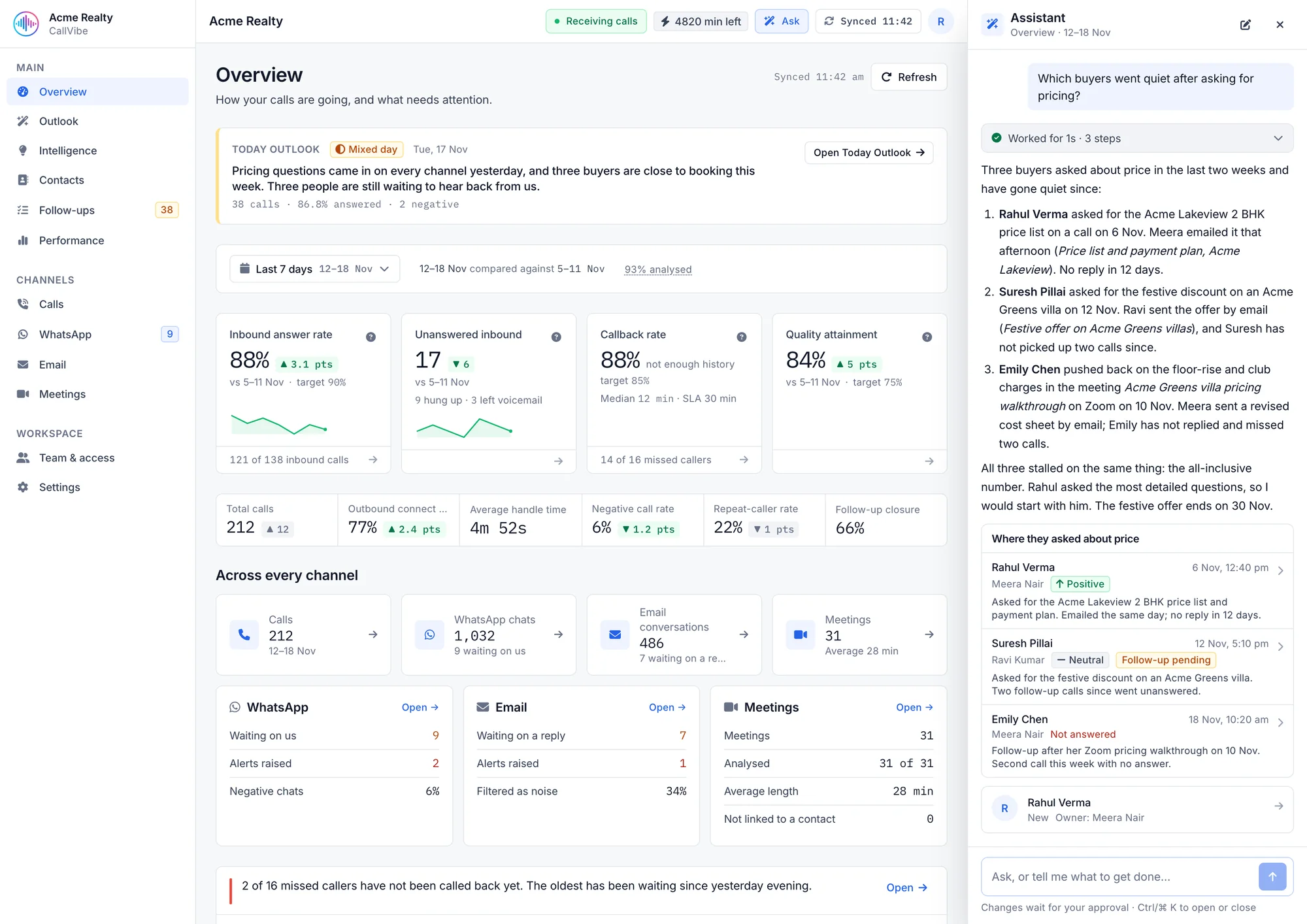
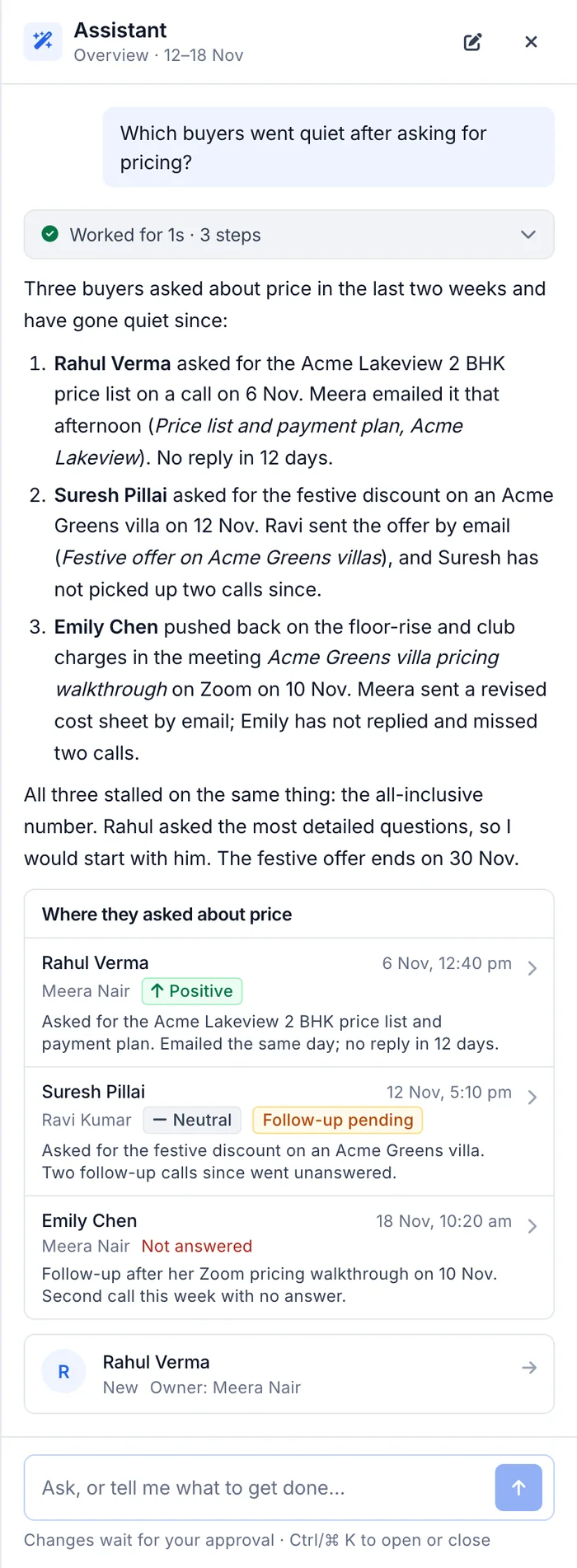
Open the assistant from anywhere with ⌘K or Ctrl+K and ask in plain English. It answers from your calls, contacts, callbacks and briefs, and shows you where each answer came from.
Answers
Answers with their sources
Every answer links back to the calls and contacts behind it, so you can check the detail before you act on it.
Actions
It suggests. You approve.
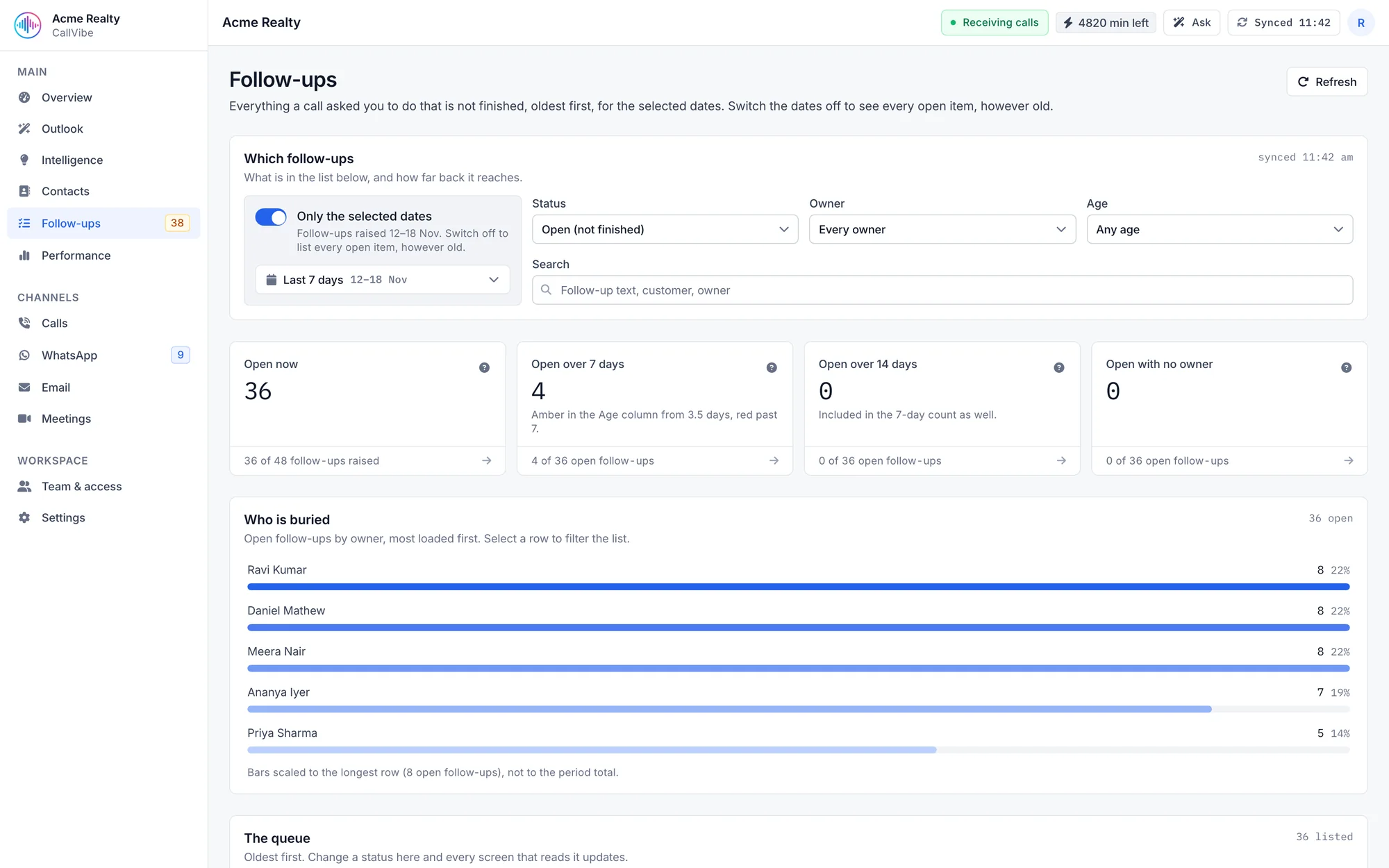
Ask the assistant to mark follow-ups done, move a contact’s stage, set a callback, add a note or push calls to your CRM. Nothing changes until you press Approve, and you can undo it for 24 hours.
- Suggestions expire after 24 hours if you ignore them
- Bulk changes are capped, so one click can’t rewrite your whole pipeline
- It can’t send messages, place calls, delete anything or change settings
FAQ
Common questions
Can the assistant change my data?
Only after you press Approve on its suggestion. Every approved change can be undone for 24 hours.
Which languages can I use?
Ask in English or your own language; it replies in the language you use. Drafts can be written in the customer’s language.
Keep exploring
See CallVibe on your own conversations
Book a 30-minute walkthrough with our team, or start a 14-day free trial and connect your phone system yourself.